How do I test an integration or live content on a product template page?
Last updated: June 14, 2024
Product Template Preview
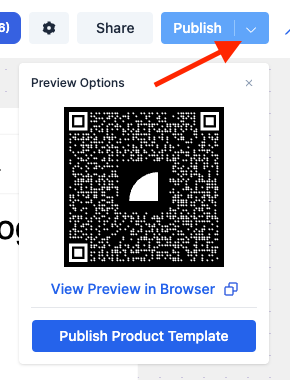
By using the Product Template preview. Select the down arrow next to the publish button in the upper right and use the generated QR code or URL to view the preview page. The product shown in this preview will match the product you were viewing in the Replo editor.
Publishing Unassigned
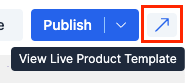
By publishing your template with no products assigned to it. When you're working on a template with no products assigned, you can view that template with all available store products. You can publish that page with no products assigned, select the blue arrow, and then view the page. The product you will see matches the product you were viewing in the editor on publish.
Note: We suggest that you use the first method to preview pages as best practice.