Can I edit the code of a Replo page?
Last updated: February 22, 2025
Each Replo page has its own file. Replo page's code is automatically updated when a change is made to it in Replo editor. This will overwrite any changes to the file itself!
Instead, you can insert custom HTML/Liquid in the Replo editor.
Head tag
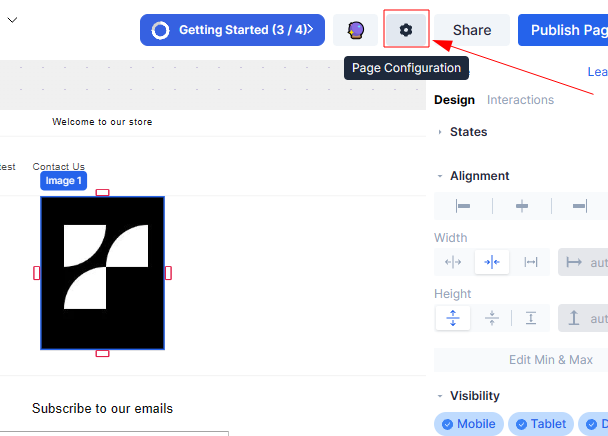
You can head to the page settings:
Then choose the advanced tab and add your codes on the field below. If you need to add JavaScript, use <script> tags, if you need to add CSS, use <style> tags. The code will be added to the <head> tag of your page HTML
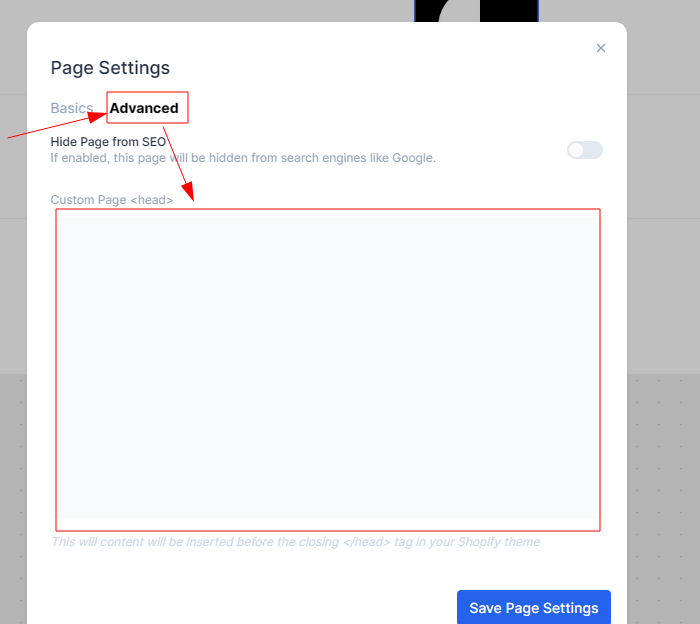
Due to Shopify security concerns, Liquid Code will NOT render correctly in the Custom Page <head> setting. Only valid HTML is allowed here.
Body tag
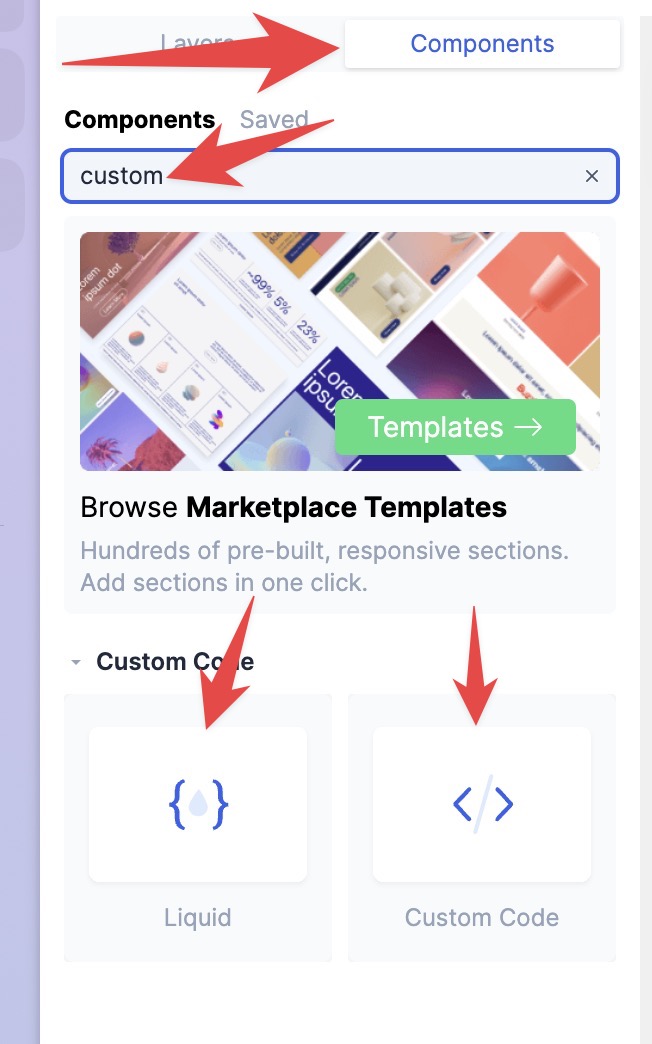
You can add to your page (via drag/drop) a Custom code or Liquid component (depending on what you need), these components will sit on the body tag of your page HTML.
You can find mentioned components, here:
For more information, see Custom HTML and Liquid.