Why am I getting a "liquid content present that is too large" error?
Last updated: January 8, 2025
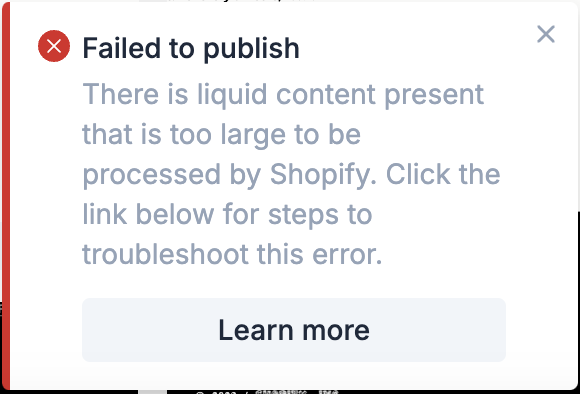
What does this error mean?
Occasionally, the structure of your Replo page may result in an output that is too large to be processed by Shopify as we attempt to generate and upload files for your page. In order to troubleshoot this issue, please review the following common causes:
Cause #1: Repeated List has many children
When using components that have a repeated list of items, you have the option of including additional child components to make adjustments to specific items within that list. Let's look at an example using Variant Lists:
In order to adjust the styling of the second variant in the list, we add an additional child component like so:
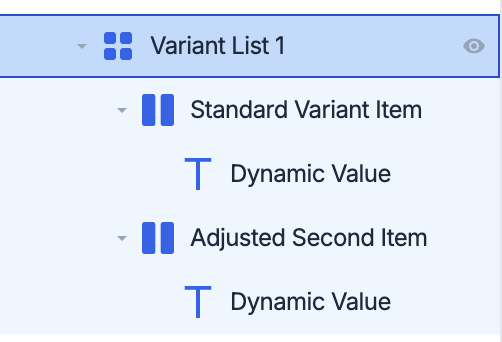
Which results in the following output:

However, if the Variant List were to include many children, as may be the case with a large number of variants combined with overriding styles for each, this will result in an extremely large block of Liquid code that Shopify cannot process.
Recommended Solutions
Solution 1: Reduce the number of child components
Solution 2: If adjusting styles or behavior of individual variants is a requirement and the product has a large number of them, try using individual components such as Buttons that each select their corresponding variant and have their own styles applied.
Cause #2: State on a component with many children
Including State logic on a component with a high number of child components will result in a very large Liquid block. Let's look at an example:
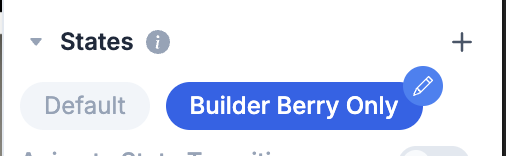
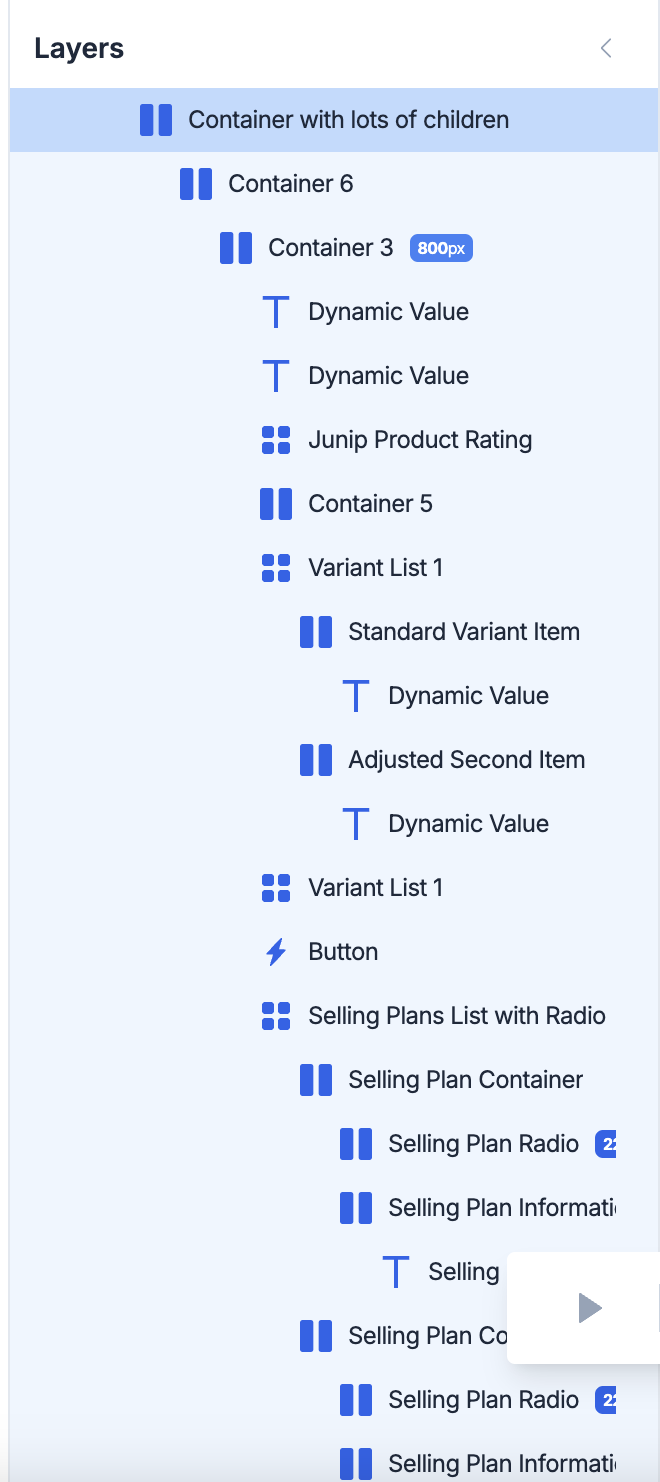
Here we have a State applied on "Container with lots of children" that controls visibility based on the selected Variant.
Recommended Solutions
Solution 1: Reduce how many child components there are
Solution 2: Move the State behavior off of the parent and down to smaller children if possible
Solution 3: Explore alternative solutions that do not require the use of State on an extremely large component
Cause #3: Custom Liquid Block contains too much code
Simply, if a custom code block contains a very long string of code, this may cause our generation to fail.
Recommended Solution
Reduce the length of your custom code, or break up custom code into smaller pieces
My issue isn't listed here or I'm still unable to resolve my issue
If the above cases do not describe your issue or you're unable to resolve the issue with the steps above, please contact our support team.