Why am I getting a "Failed to backup homepage template" error?
Last updated: January 9, 2025
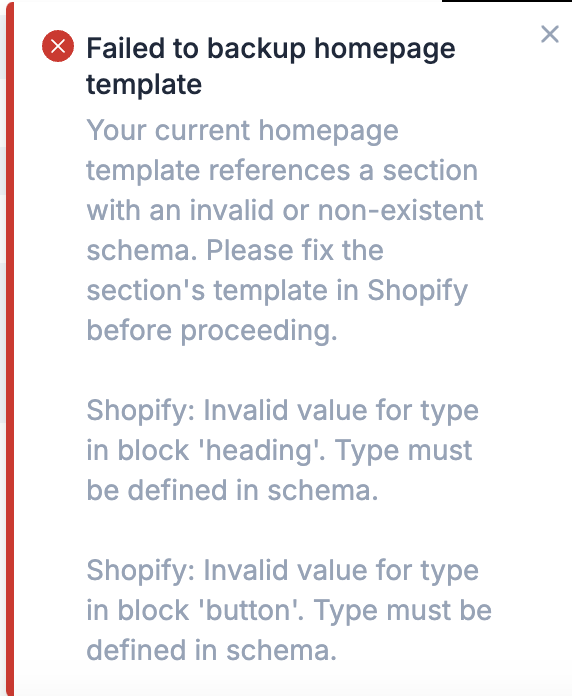
What this error means
This error indicates that your current homepage template file, index.json , includes a section that either:
Does not have a section
{% schema %}Has a section
{% schema %}that is invalid, most likely because it does not include the required types
This error message will include the specific errors Shopify is returning - in the above example, a section used on the homepage does not have the necessary heading and button type defined in its schema.
How to resolve this error
All schema errors must be resolved before attempting to make a Replo page your new homepage. In either the 'Edit Code' section of your Shopify Theme or in your preferred code editor, navigate to templates/index.json and review the sections currently in use by your homepage. The simplest way to do so is to look at the "order" definition:
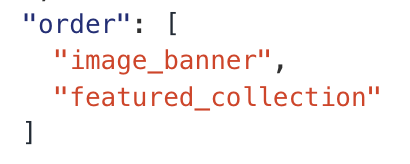
One or more of these sections will contain {% schema %} tags with errors, or not have a schema at all. Please resolve these issues, and then attempt to set your Replo page as your homepage again.
I'm still having issues
If you're unable to resolve the issue through the steps above, please reach out to our support team for assistance!