SEO Settings
Last updated: September 3, 2024
Replo offers the ability to change how your pages appear in search engine results. If you need to hide a page from being indexed by search engines such as Google, DuckDuckGo, Bing, etc., you can easily do so in the page settings.
Hiding a page from search engines
To prevent a specific page from appearing in search engine results, follow these steps:
Open page settings: Navigate to the page you want to hide from search engines

Access the advanced settings: In the page settings, select the "Advanced" option.
Hide page from SEO: Toggle the "Hide Page from SEO".
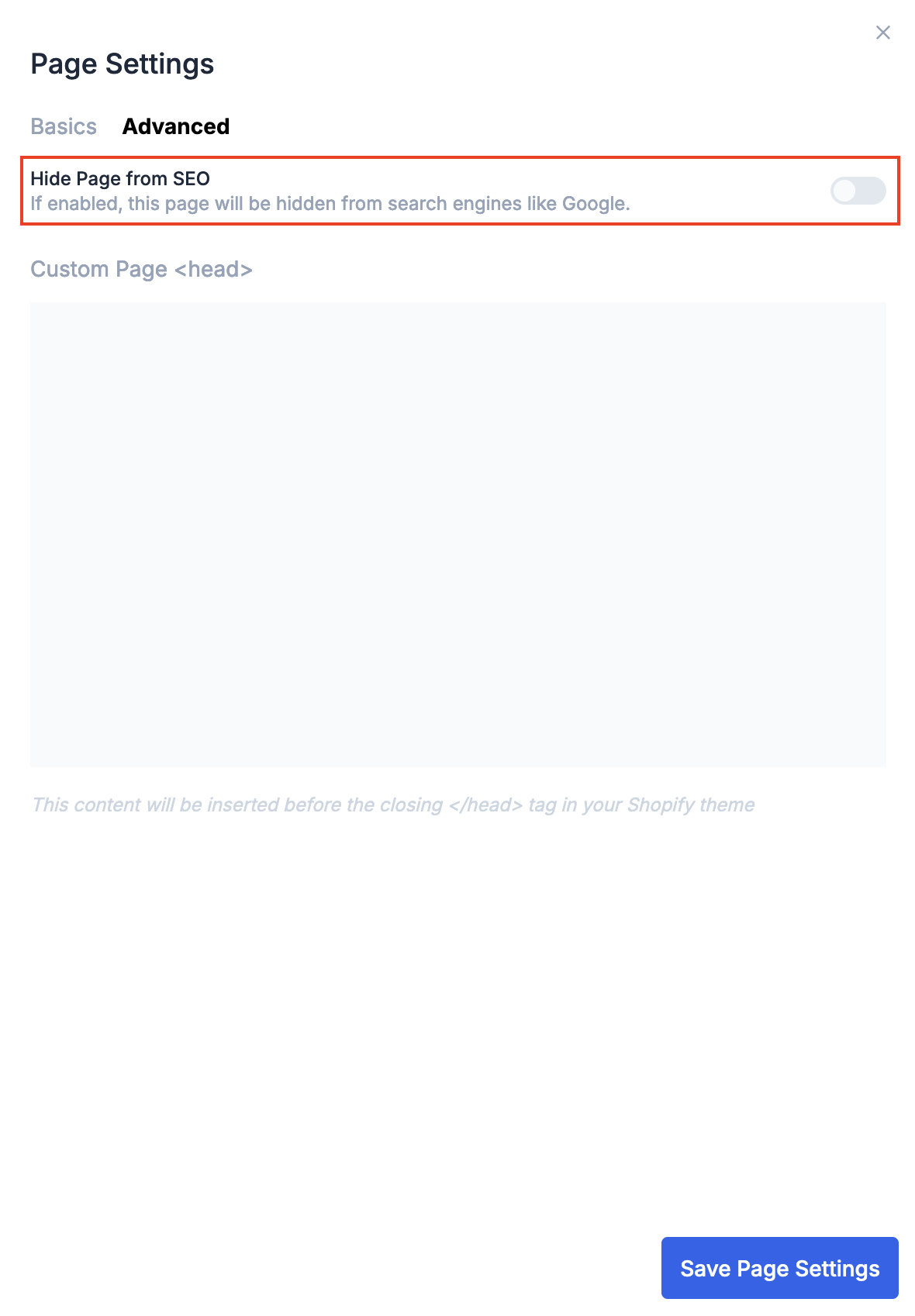
Save changes: Click Save Page Settings