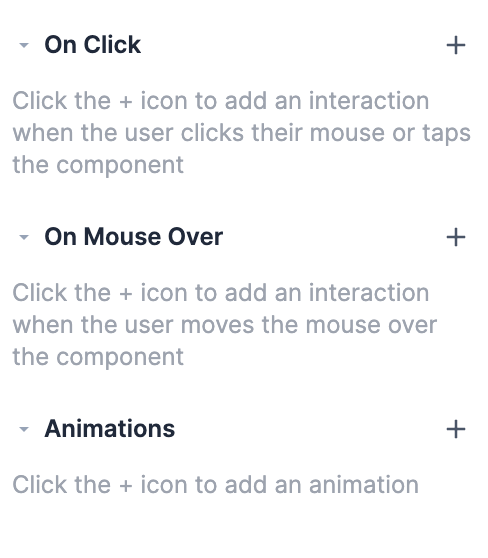
Switch
Last updated: June 14, 2024
You can add a preconfigured switch in Replo to toggle between behaviors or states.
To Add a Switch Component
To add a switch to the page:
Find the Add Components tab on the left side of the editor.
Search switch
Hover over the component and click and drag to add it to the page.
Configuring a Switch Component
When you first insert a switch component it includes a "Default" and "Active" state. The default state represents the toggle in one position, and the active state in the other.
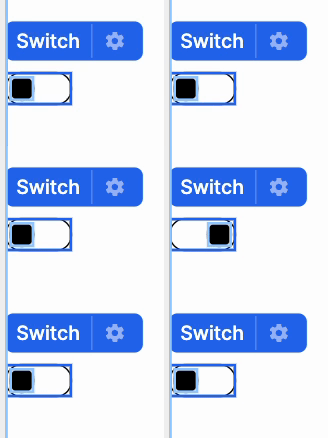
Switches can be used to represent a variety of events on your Replo page. You may want to set an on click interaction that moves the toggle and reveals a hidden component or have the switch activate when a particular variant is selected. You can read more about interactions here.