Dynamic Checkout Buttons
Last updated: July 2, 2025
Dynamic Checkout Buttons allows your customers to pay with alternative payment gateways which can save time when checking out.
Using the Dynamic Checkout Buttons Component
Implementing the dynamic checkout options in your store is as simple as:
Add the Dynamic Checkout Buttons Component:
In your Replo editor, locate the Dynamic Checkout Buttons component in the Components tab.
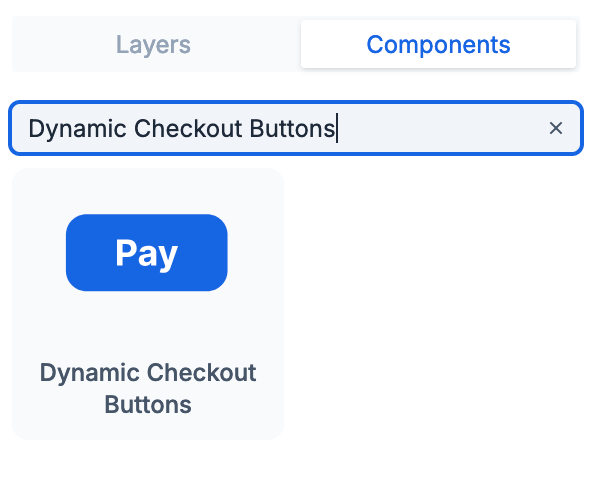
Add this component to your product page layout where you want the checkout buttons to appear.
Once added, Replo will automatically integrate the dynamic checkout buttons based on your Shopify store's settings.
The exact options displayed will depend on your Shopify store's settings and the customer's device. Here's a guide from Shopify on how you can enable accelerated checkouts and dynamic checkout buttons from popular payment providers like:
Amazon Pay
Apple Pay
Google Pay
PayPal
Shop Pay
Venmo
Benefits of Using Dynamic Checkout Buttons
Implementing dynamic checkout buttons can help in a number of ways like providing a variety of payment options, reduce cart abandonment, and enhance the overall shopping experience on your store.