How to Copy Components and Pages from One Shop to Another
Last updated: January 28, 2026
To copy a component, select it, then use the copy and paste keyboard shortcuts. Mac users should press Cmd + C to copy, and Cmd + V to paste. Windows users should use Ctrl + C to copy and Ctrl + V to paste.
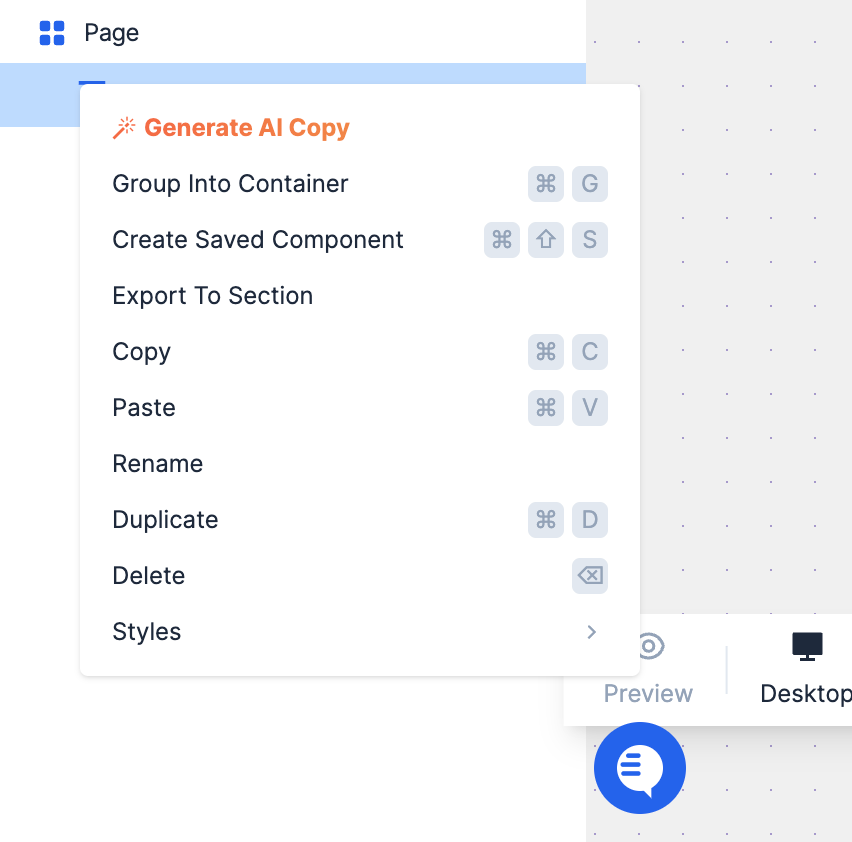
Alternatively, right-click on the component and choose Copy from the context menu.
Copying Pages
To copy a page from one shop to another, you can right-click on a particular page and click "copy." Then you'll paste that on a new blank page on the shop you want it to appear in.
Paste a page
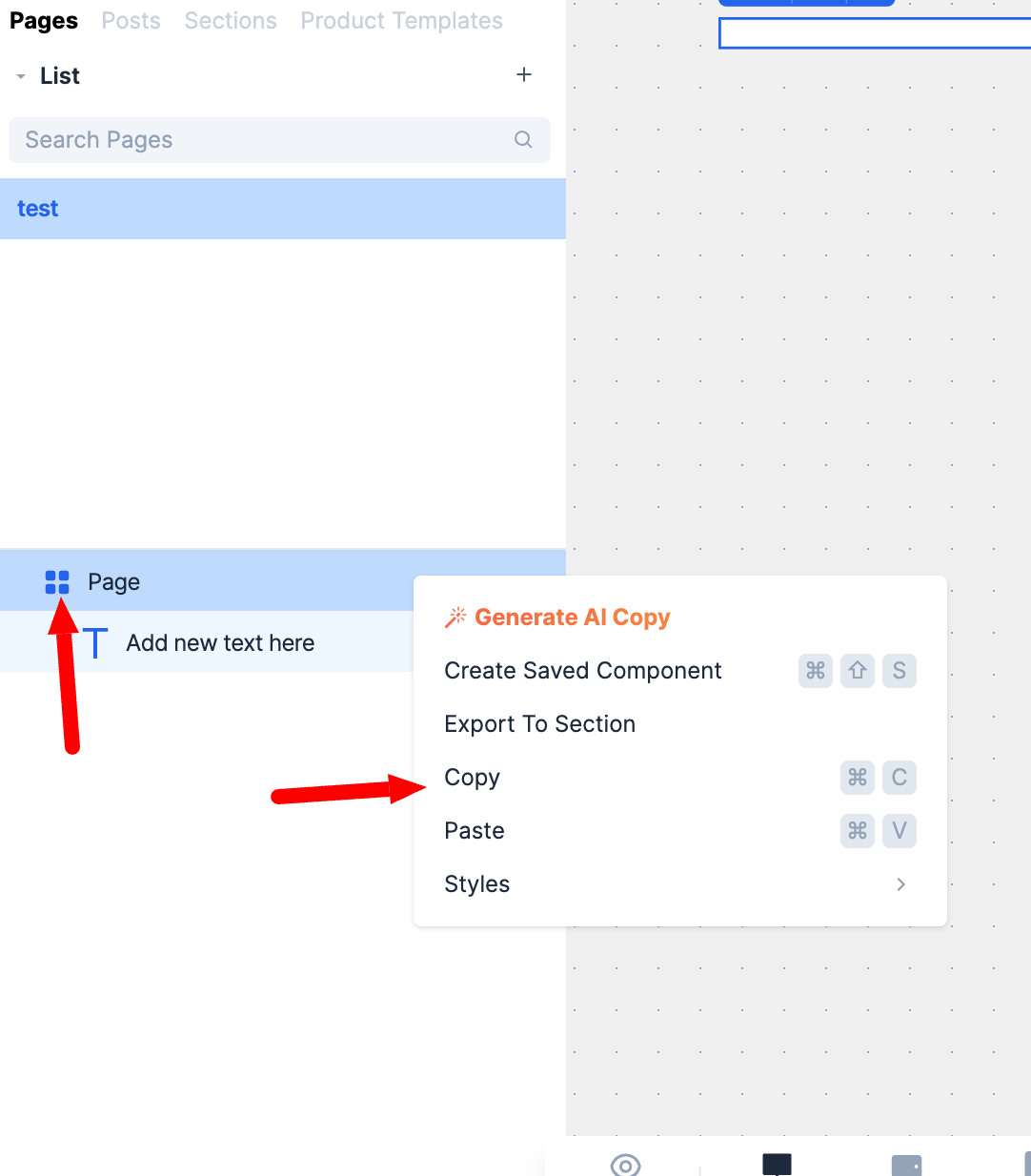
To paste a page do the following:
Create a new blank template
Select the "Page" container
Right-click and select paste or use the shortcut CMD+V (if you're on Mac) or Ctrl+V (if you're on Windows)