How to create a sticky add to cart button
Last updated: March 5, 2025
If you want to have a add to cart button that is "sticky" and scrolls with your customer along the page, you can build one with Replo!
Select the button component you want to make sticky
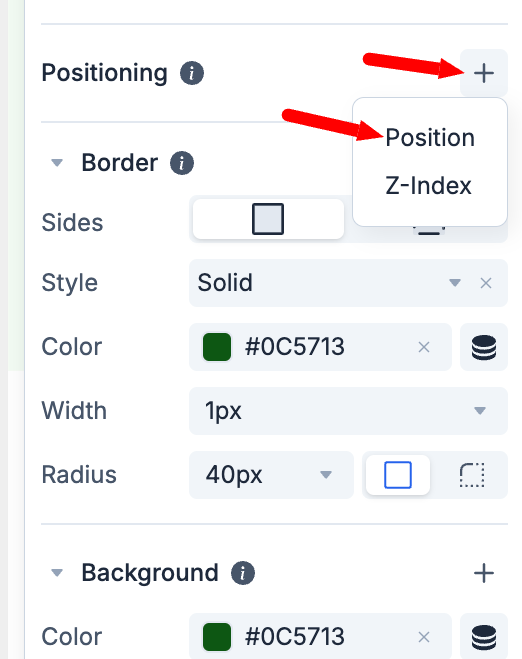
Navigate to the "Positioning" menu on the right-hand panel
Clicking on the + icon will bring out the option to choose Position
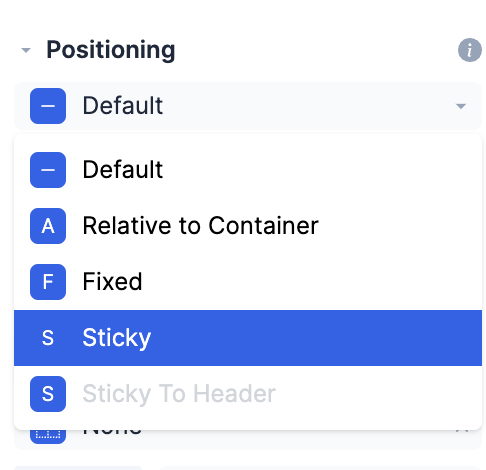
Next, choose "Sticky" from the drop-down