Why am I getting a "Unable to set home page" error
Last updated: April 28, 2025
If you encounter an "Unable to set home page" error, it is likely caused by an issue with the theme configuration
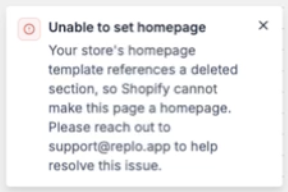
What this error means
This error occurs when Replo attempts to set your page as the homepage but is unable to complete the process. This issue often arises due to problems with the 'index' configuration of your theme, which prevents the creation of a new Index template.
Troubleshooting
The problem is often result of a misconfigured/deleted section. You can find out more information by following these steps:
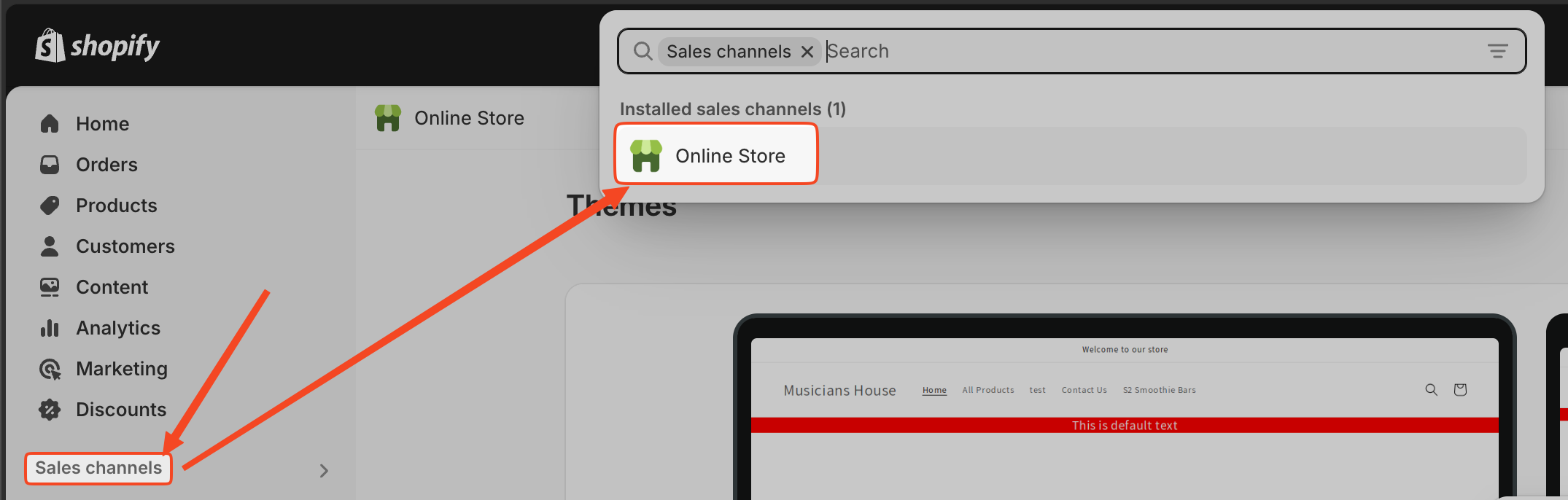
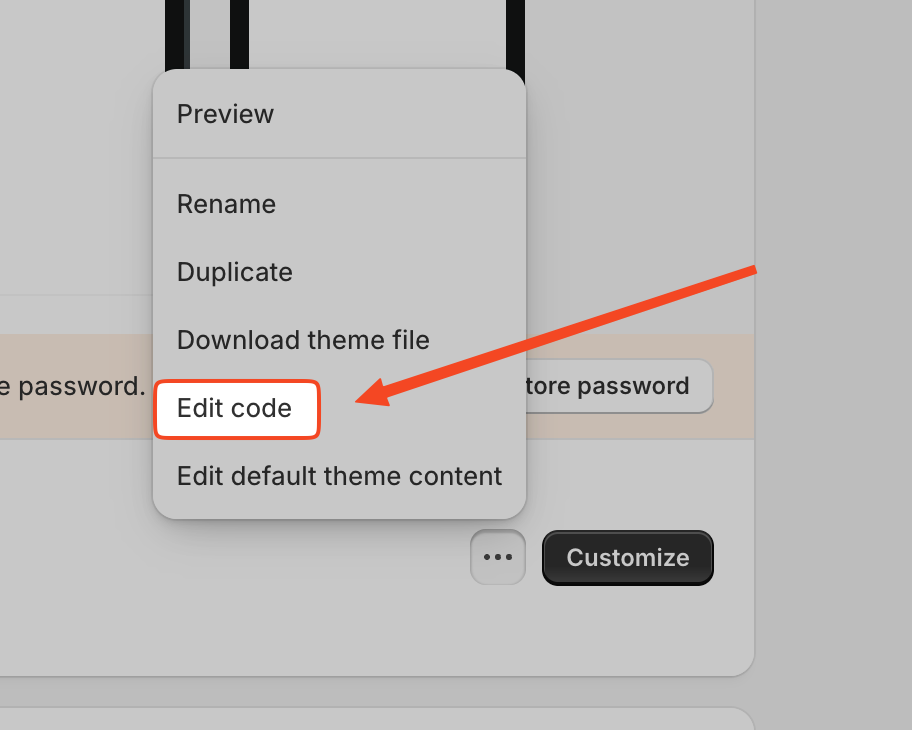
Go to your Theme Code. For this you need to head to the Sales Channel > Online Store > Three Dots Menu > Edit Code

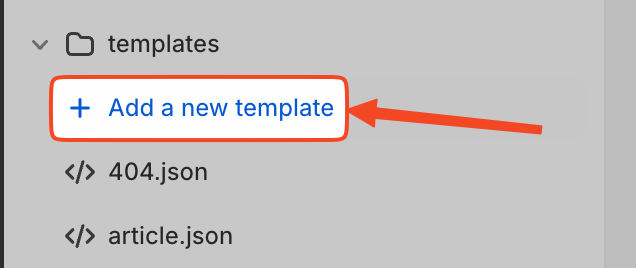
Locate the templates folder and click "+ Add a New Template"
Select 'Index' as Template Type
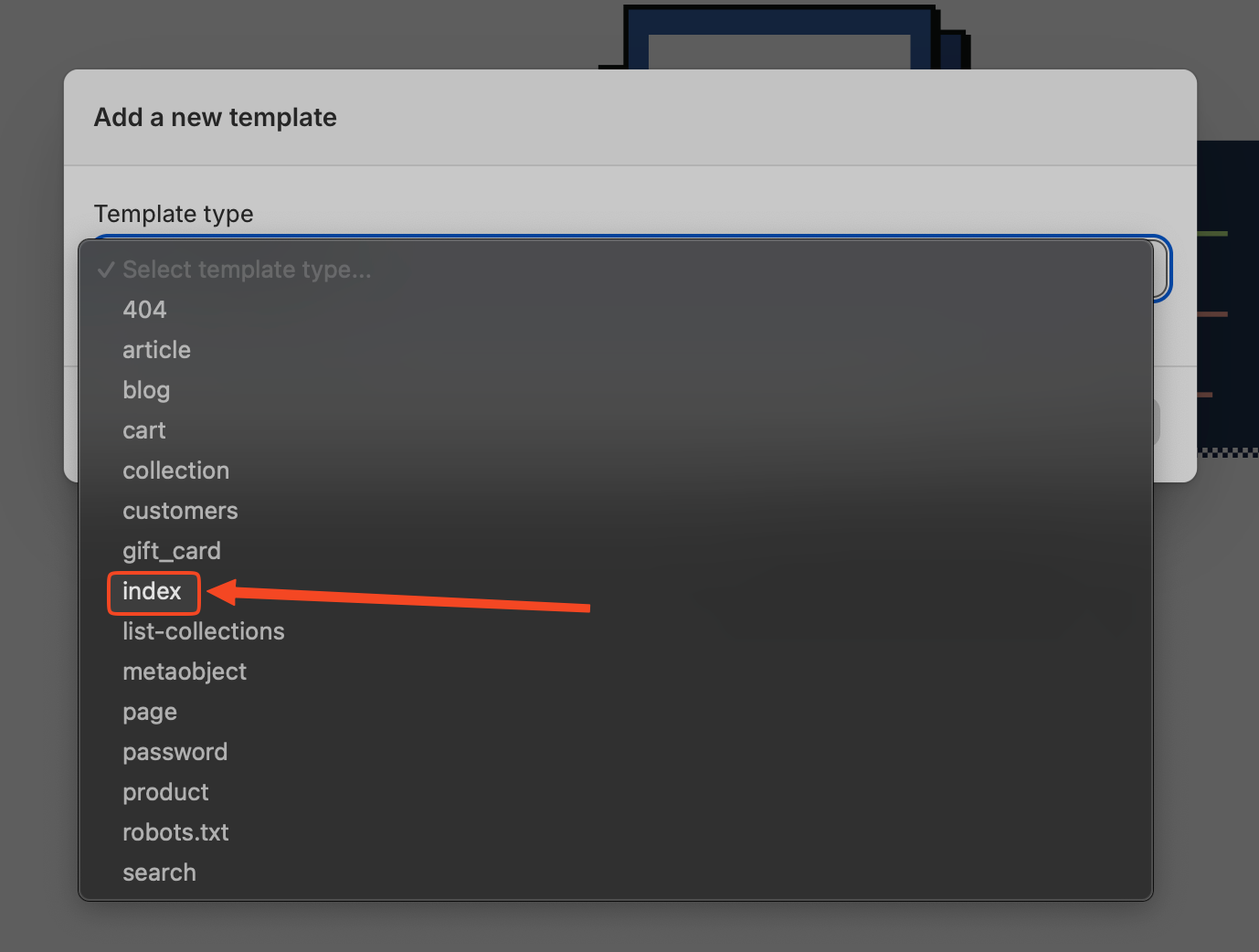
Give your new template some unique name
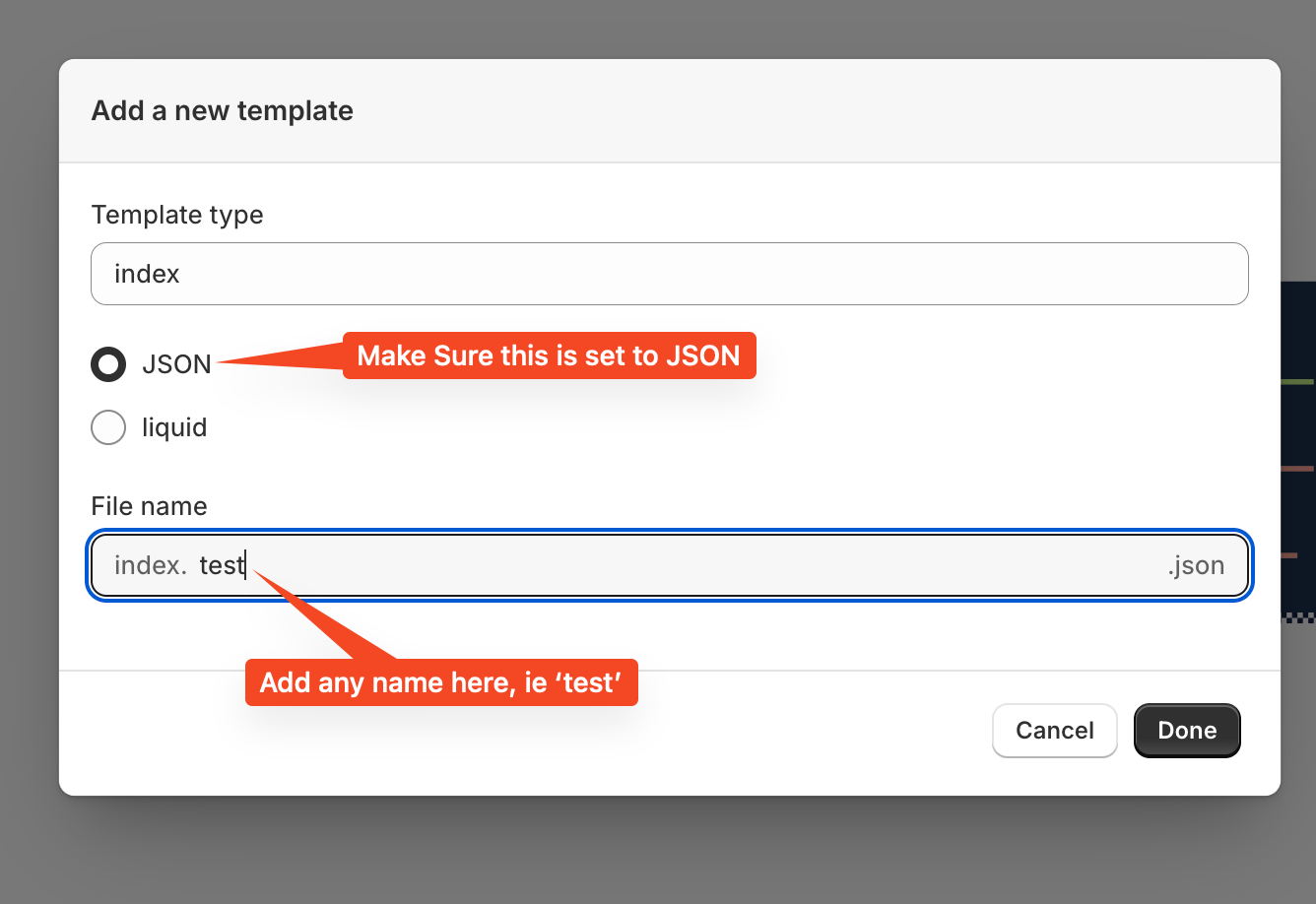
Hit the 'Done' button and check the error for more information which can be shared with the customer
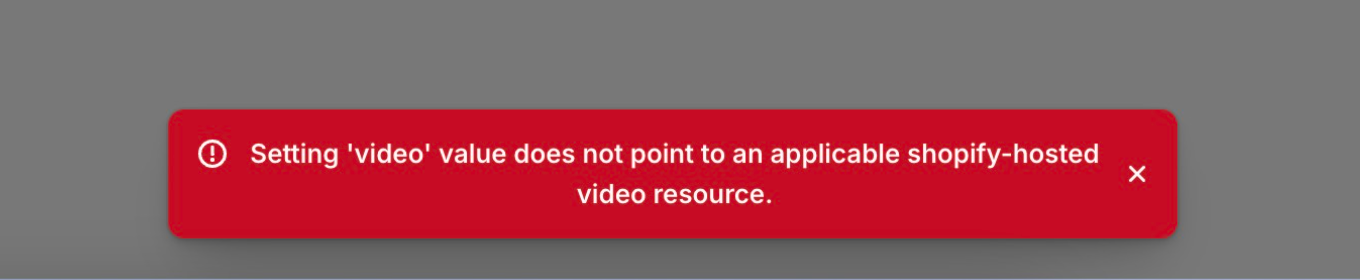
We assume you will get an error when trying to create this index file, and that will inform you on what needs to be fixed about your theme. Without being able to do this outlined operation, Replo can't set any pages as your homepage.
If you were able to create an index file, then please reach out to [email protected] and reference this document so we can take a closer look.