Spinners
Last updated: August 26, 2025
Spinners are an interactive component in Replo which can be used to indicate action, for example, when something is loading. In particular, Add To Cart Interactions on Buttons usually benefit from a Spinner to show that a product is being added to cart.
How to add a Spinner into your page
To add a Spinner into your page:
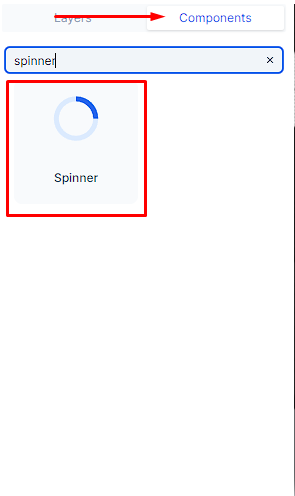
Select the "Components" tab
Search for "spinner"
Drag the Spinner directly from your "Components" tab into your page
Automatically Adding Spinners with Loading States
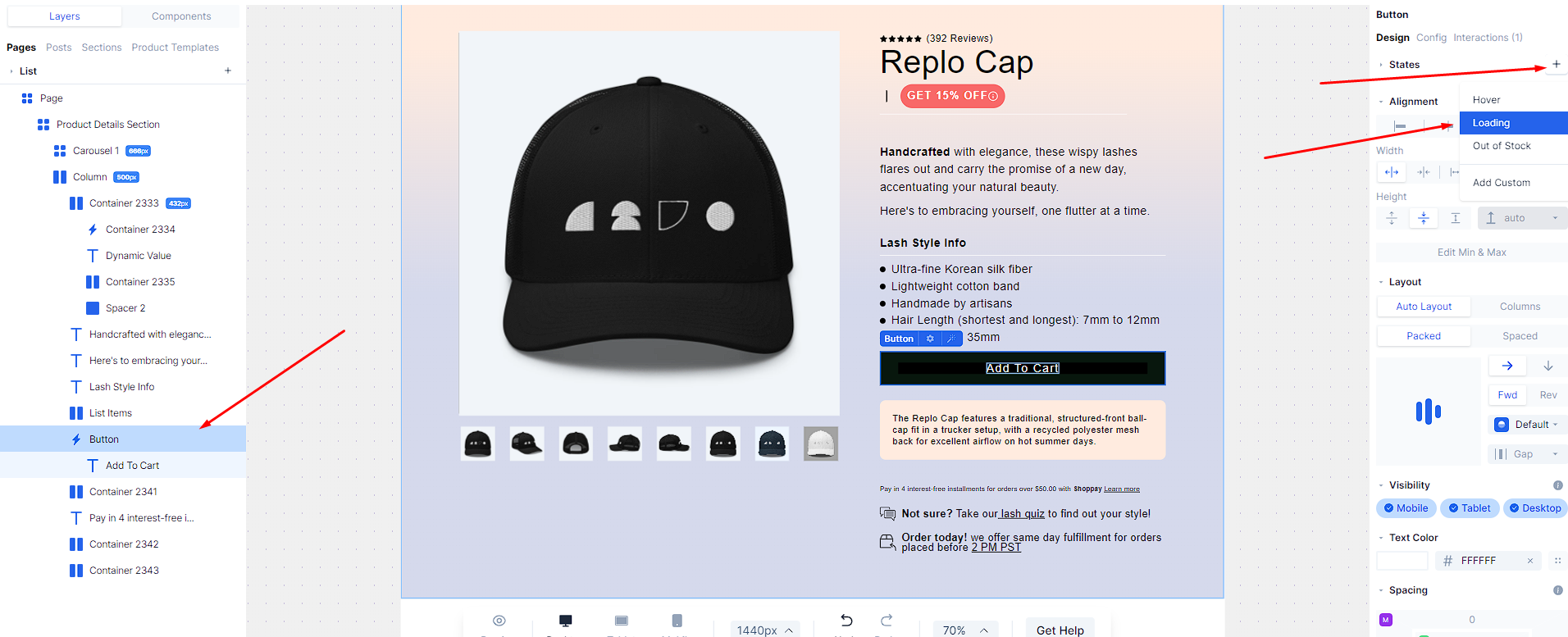
Adding a Loading state trigger to a button in Replo will automatically add a spinner under most circumstances. To add a loading state, select it from the "+" button on the right under "States."
How to edit your Spinner
In the Config tab, you can edit the size and colors of the spinner.
If you want to create a more configurable experience with a custom spinner, you can use Custom HTML and Liquid.